How it works
A guest's evening, start to finish.
From the first scan to the email the next day, here's what your guests see and what you do. It's the real app; every screen below is a screenshot.
1 · Arriving
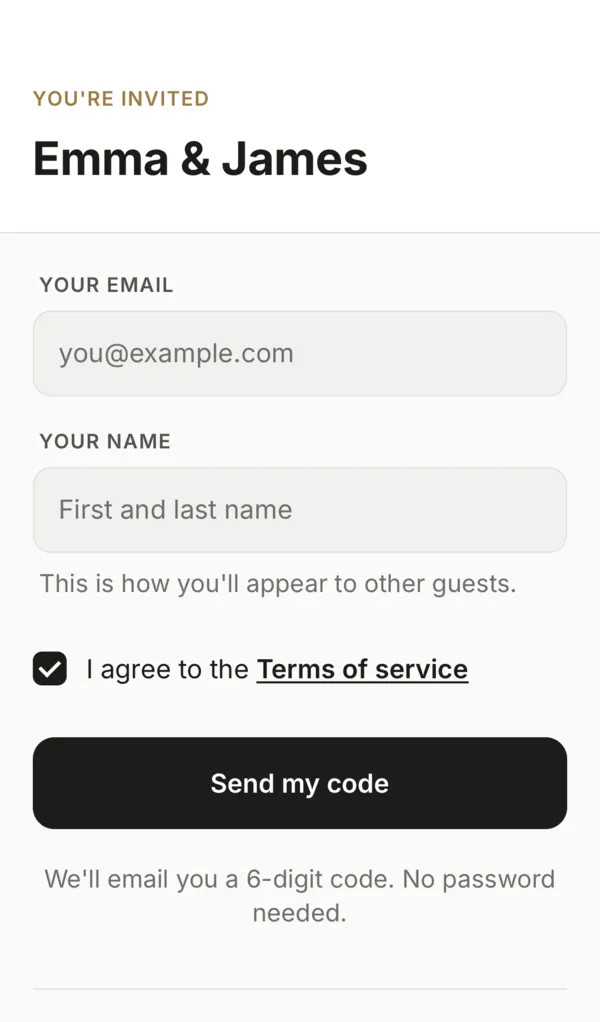
Scan the code on the table.
You put a printed sign with your QR code where people linger: the tables, the bar, the guest book. We give you the sign. Any phone camera opens your event in the browser: no app store, no account, no password.
Guests type their email and name, and we send them a six-digit code. That's the whole sign-in. Their email is also how the gallery link and the final-thoughts note reach them afterwards.
2 · Getting started
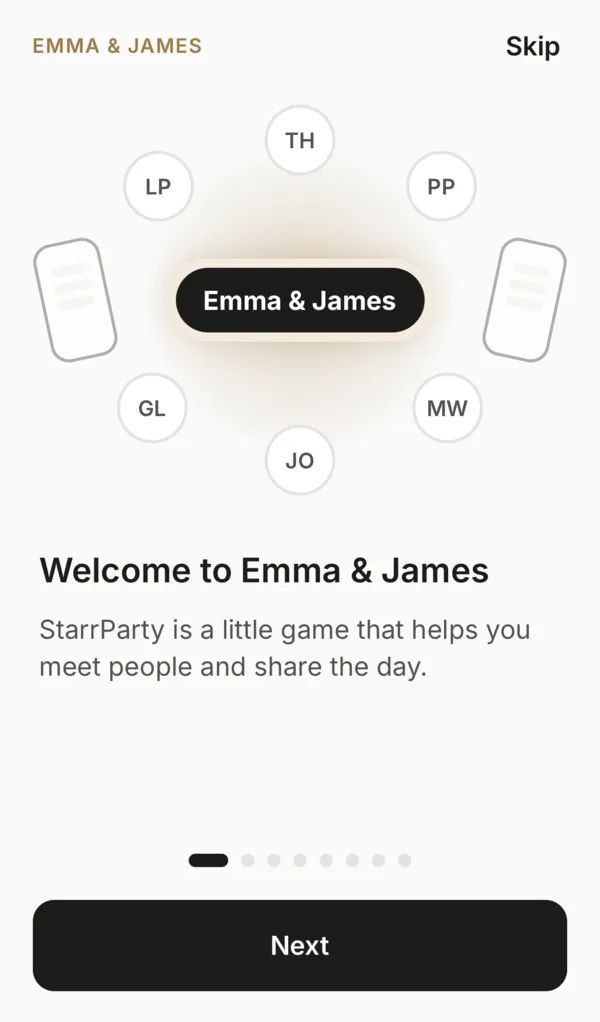
A selfie if they like, and a one-minute tour.
Guests can add a selfie so friends can spot them, or skip it with one tap. The selfie also goes into your keepsake guest list. A few short animated cards show how to play, and they pick Casual or Bingo.
3 · Playing
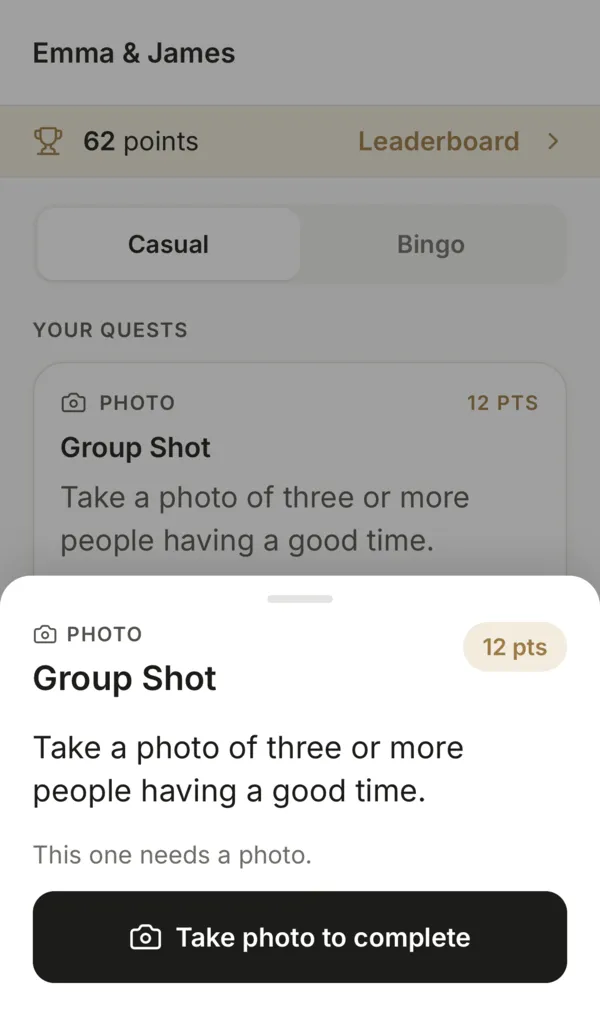
Quests that start conversations.
Casual deals three quests at a time. Each one asks for a short answer, a photo, or nothing at all: guests open it, add what they like, and mark it done. Skip any quest and it comes back later.
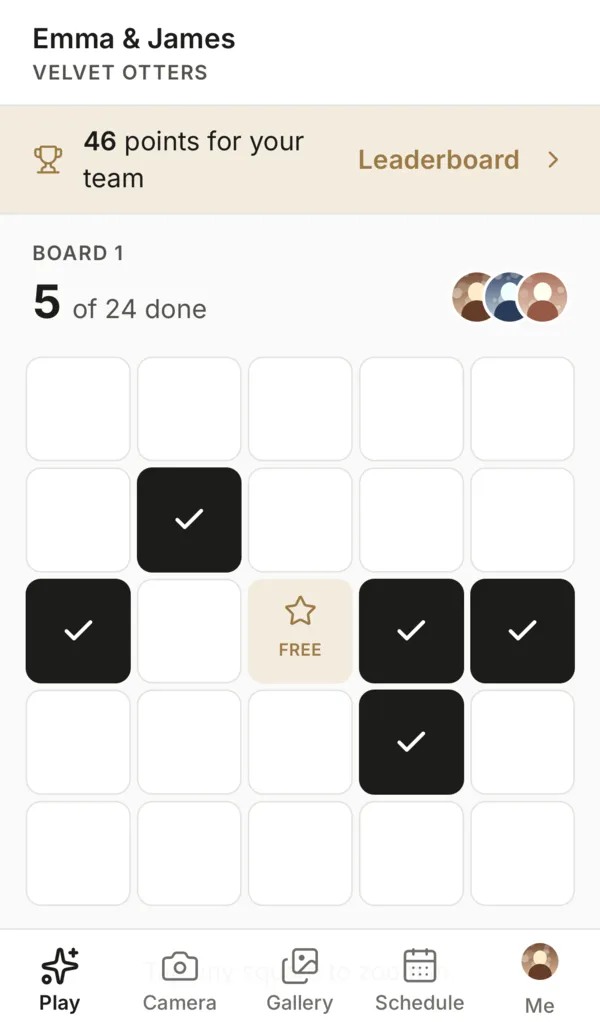
Bingo lays the quests out on a board. Tap to zoom into a section, tap again for one square. A full row, column or diagonal is a Bingo, with a little celebration.
- Every answer is saved for you
- Switch between Casual and Bingo any time without losing progress
- Optional points and leaderboards
4 · Teaming up
Friends play one board together.
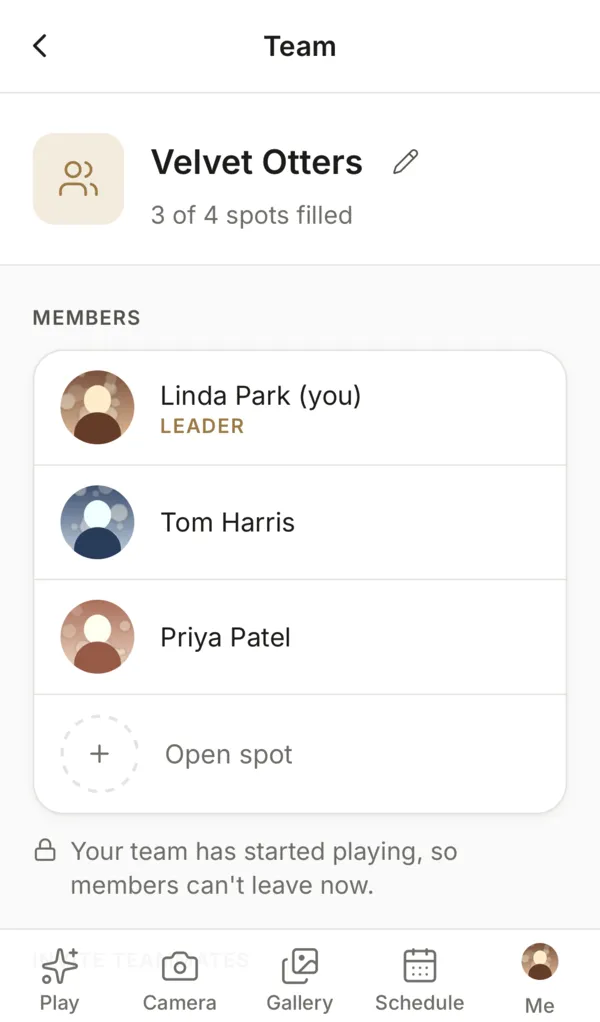
Every guest can start a team. Friends scan the team's code to join, and the team shares a Bingo board, so a table can work through it together. The host can rename teams, and team size is up to you.
5 · Photos
Everyone's photos, one album.
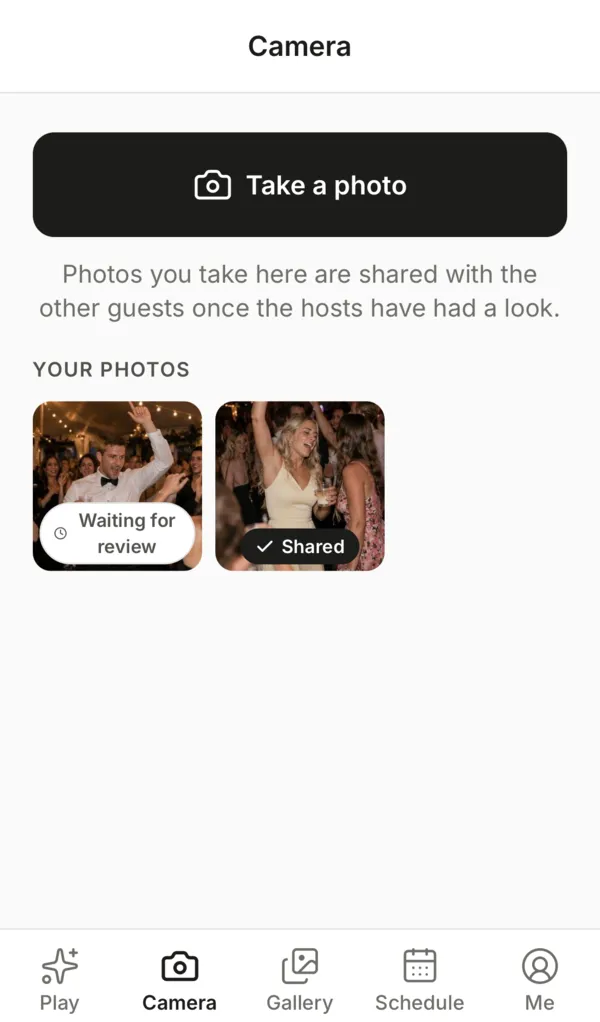
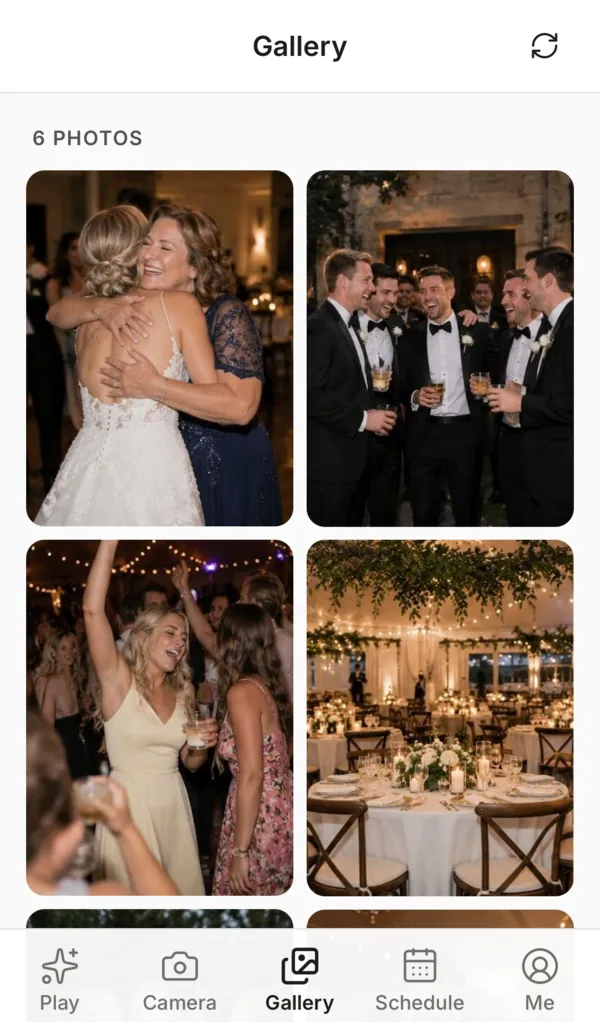
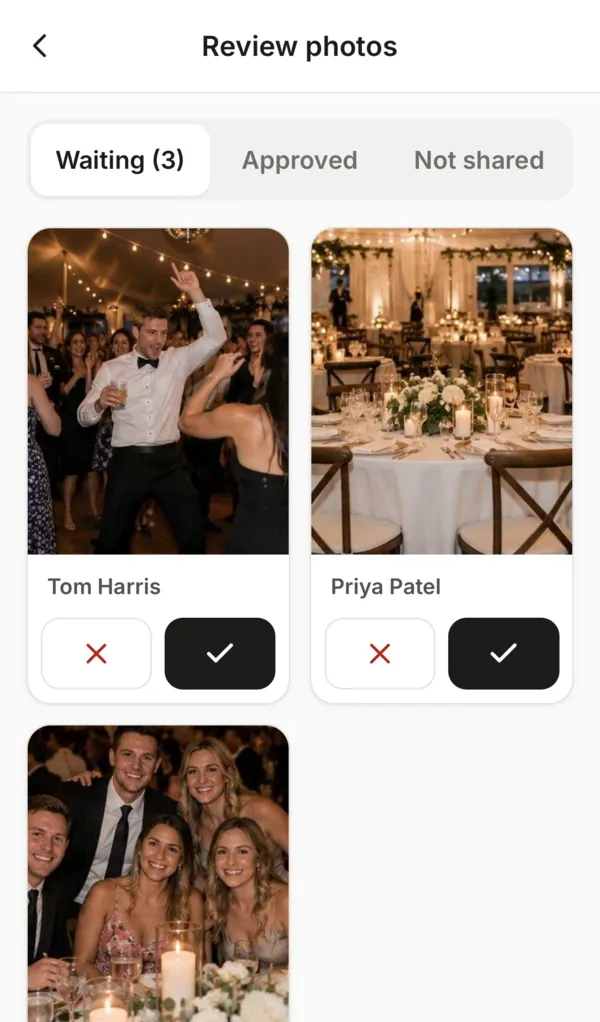
The Camera tab and photo quests take pictures straight into your event. Depending on your settings, photos appear in the gallery right away, after a moderator approves them, or only once you publish the gallery after the party.
If the venue's signal is patchy, photos wait safely on the phone and upload when it's back. Nobody has to retake anything.
6 · What's next
The schedule, always in their pocket.
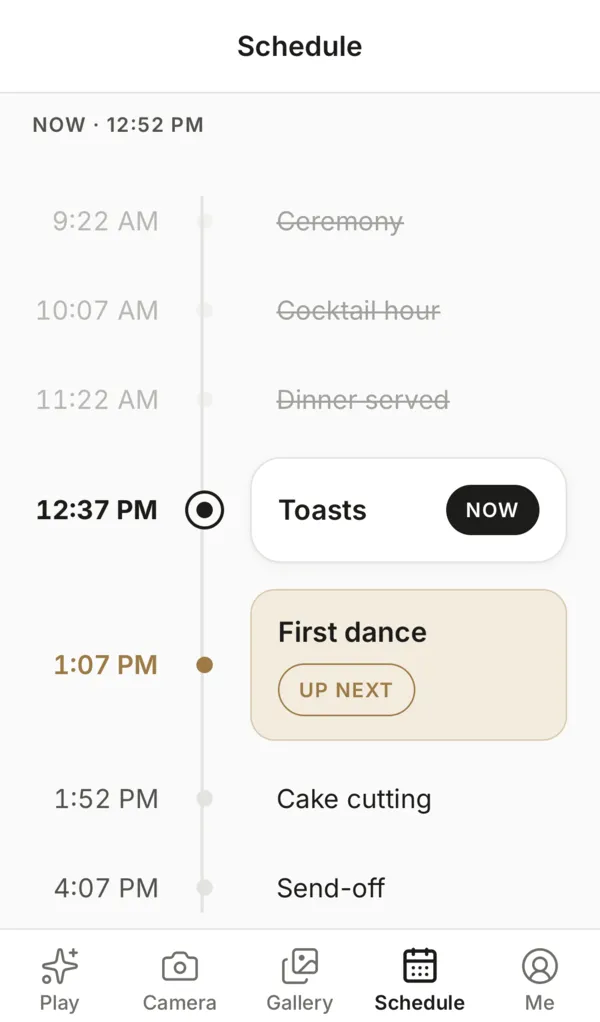
Add the ceremony, dinner, toasts and first dance. Guests see what's happening now and what's next, in your event's time zone. No notifications, no nagging.
For the host
Set it up in an evening. Run it with two taps.
Before the event
- Sign in with the link we email you, on your phone
- Edit the quests, choose Bingo size and photo settings
- Add your schedule and the start and end times
- Print the sign with your QR code
On the day
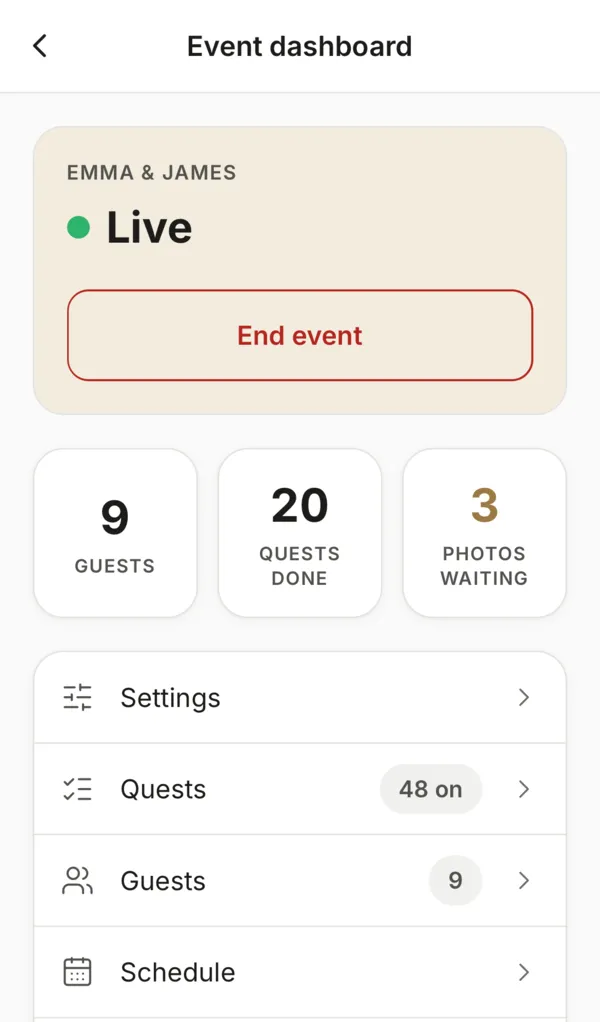
- We email you 15 minutes before the start: tap Turn event on
- A moderator you choose, like a friend or your planner, reviews photos so you don't have to
- We email you at the end time: tap End event when you're ready
Afterwards
- Share the gallery link with everyone in one tap
- Final thoughts arrive from guests the next day
- Download every photo, selfie and answer within 90 days
Ready when you are.
$250 per event, set up for you and ready in minutes.